Text-To-SQL-LLM-App
This project is an application that uses Google Gemini Pro to convert natural language questions into SQL queries and retrieves data from a SQLite database. The application is implemented using Python and Streamlit.
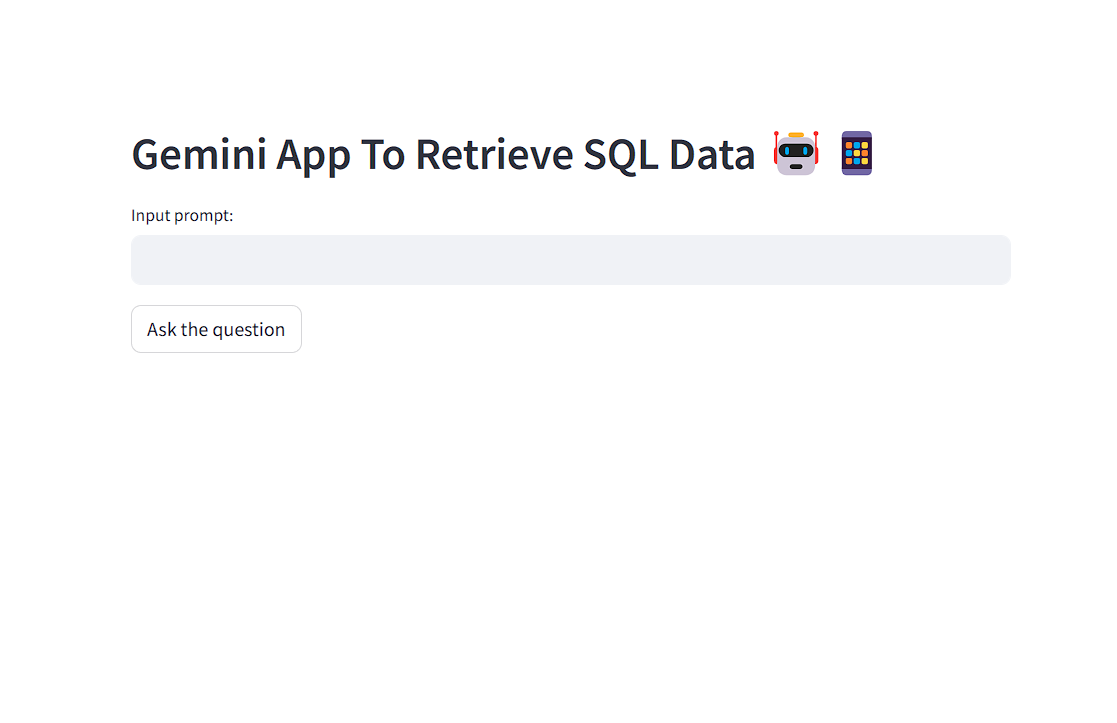
Table of Contents
Setup
Follow these steps to set up the Text-To-SQL-LLM-App:
-
Clone the Repository:
git clone <repository_url> cd text-to-sql-llm-app -
Create a .env file:
In the root directory of the project, create a
.envfile and add the following variables:GOOGLE_API_KEY=your_google_api_key -
Install Dependencies:
Install the required Python packages from the
requirements.txtfile:pip install -r requirements.txt -
Set up the SQLite Database:
Use the provided SQL schema to create the required tables in your SQLite database.
-
Modify the app.py file:
Adjust any configuration settings in the
app.pyfile to match your setup.
Usage
-
Run the application:
Start the application using Streamlit:
streamlit run app.py -
Interact with the application:
Use the provided user interface to input natural language questions and retrieve SQL data.
Troubleshooting
- Ensure that the Google API key and database settings in the
.envfile are correct and up to date. - Double-check your database connection string and the database schema.
- If you encounter any errors, review the application logs for more details on the issue.
Contributions
Contributions are welcome! Please submit a pull request with your changes.
License
This project is licensed under the MIT License.